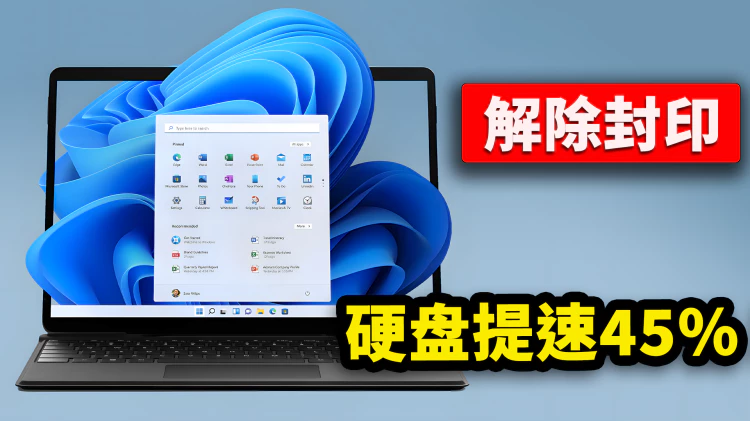
想不想彻底改变 Windows 11 默认的任务栏和开始菜单的外观!跟着我来操作,可以让你的电脑屏幕焕然一新,超级美观又大方!首先我们需要下载 Windhawk 神器,这是一款免费且开源的Windows11系统自定义工具,它采用模块化设计,旨在简化Windows系统定制的过程,并提供更多的个性化设置选项!Windhawk 官方下载:【点击前往】电脑桌面背景图下载:【点击前往】任务栏透明效果:在系统设置中心 - 辅助功能 - 视觉效果 - 开启透明效果即可!代码获取1、开始菜单风格:{"controlStyles[0].target":"Button#CloseAllAppsButton","controlStyles[0].styles[0]":"CornerRadius=14","controlStyles[0].styles[1]":"Margin=0,0,-32,0","controlStyles[0].styles[2]":"Width=74","controlStyles[0].styles[3]":"Height=26","controlStyles[1].target":...